

JR EAST App
Maps & Navigation
Advertisement
Before you download
System Compatibility
JR EAST App is available for Android devices. It requires Android 11. Check Google Play for supported OS versions and storage requirements.
Permissions
Depending on its features, the app may request access to your camera, location, notifications, or storage. Review each prompt and allow only what you need.
Update Information
Check Google Play for the latest version and release notes for JR EAST App. The listing was last updated on 2026-11-11.
FAQ
What is JR EAST App?
[Official App] Accurate train information and transfer guidance. Stay safe and never get lost with train locations and station maps. Check congestion, Suica balance, and Shinkansen reservations all in one app. An essential app with over 15… The developer is East Japan Railway Company ICT.
How do I download JR EAST App?
Download it from the official Google Play page (https://play.google.com/store/apps/details?id=jp.co.jreast&hl=ja). Check device compatibility and regional availability first.
Is JR EAST App free to use?
It is free to download. Check the official store for any in-app purchases or paid plans.
What should I check before installing?
Review the supported OS, available storage, permissions, and developer information. The Google Play listing shows 1,000,000+ installs.
Advertisement
Learn more about the app
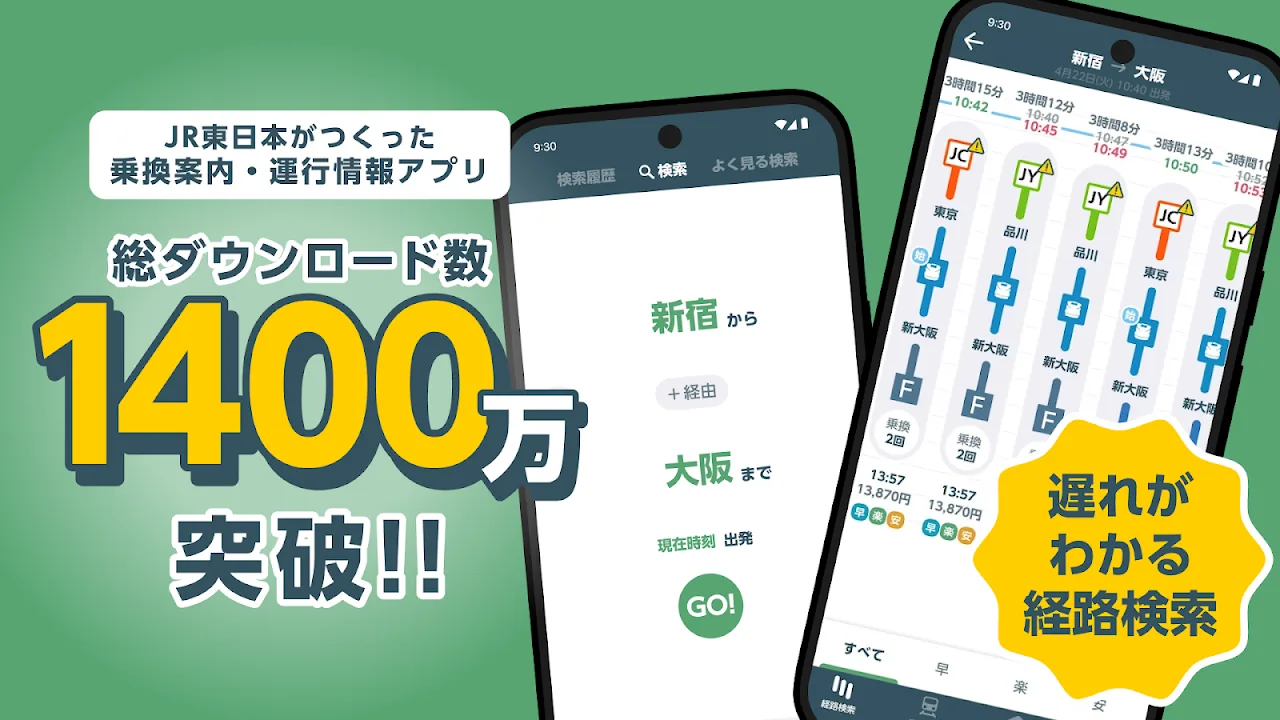
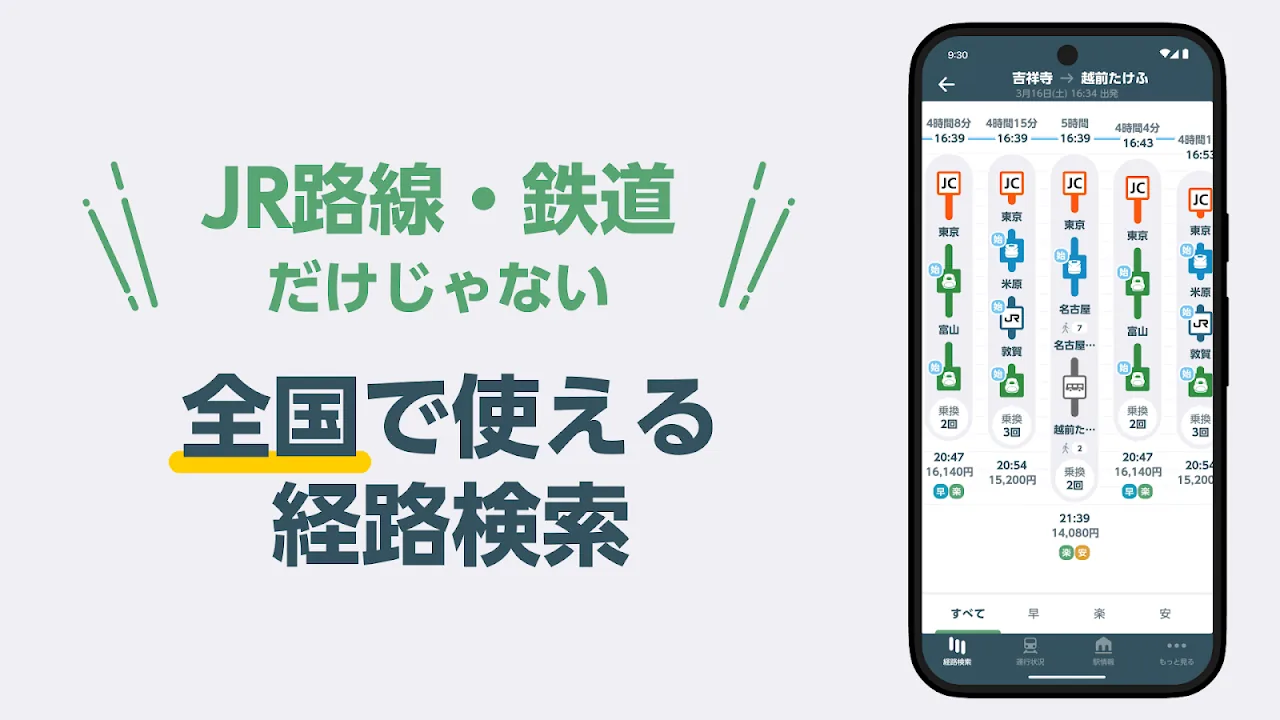
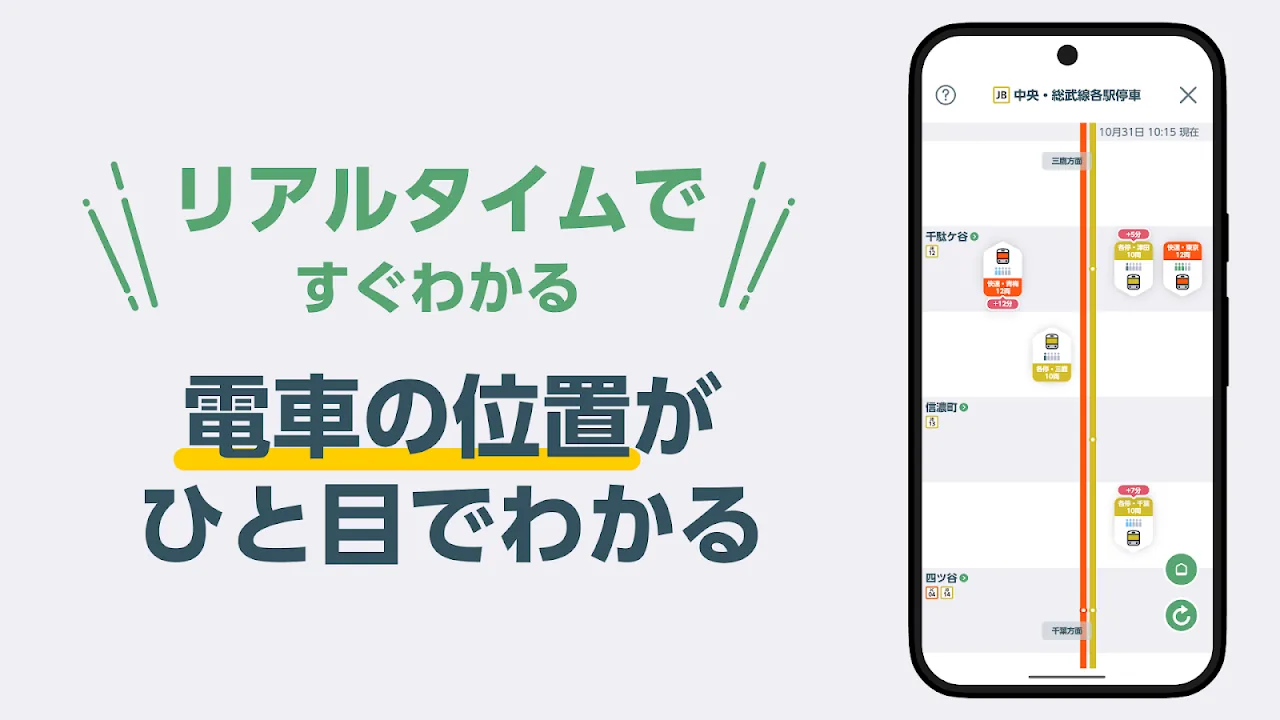
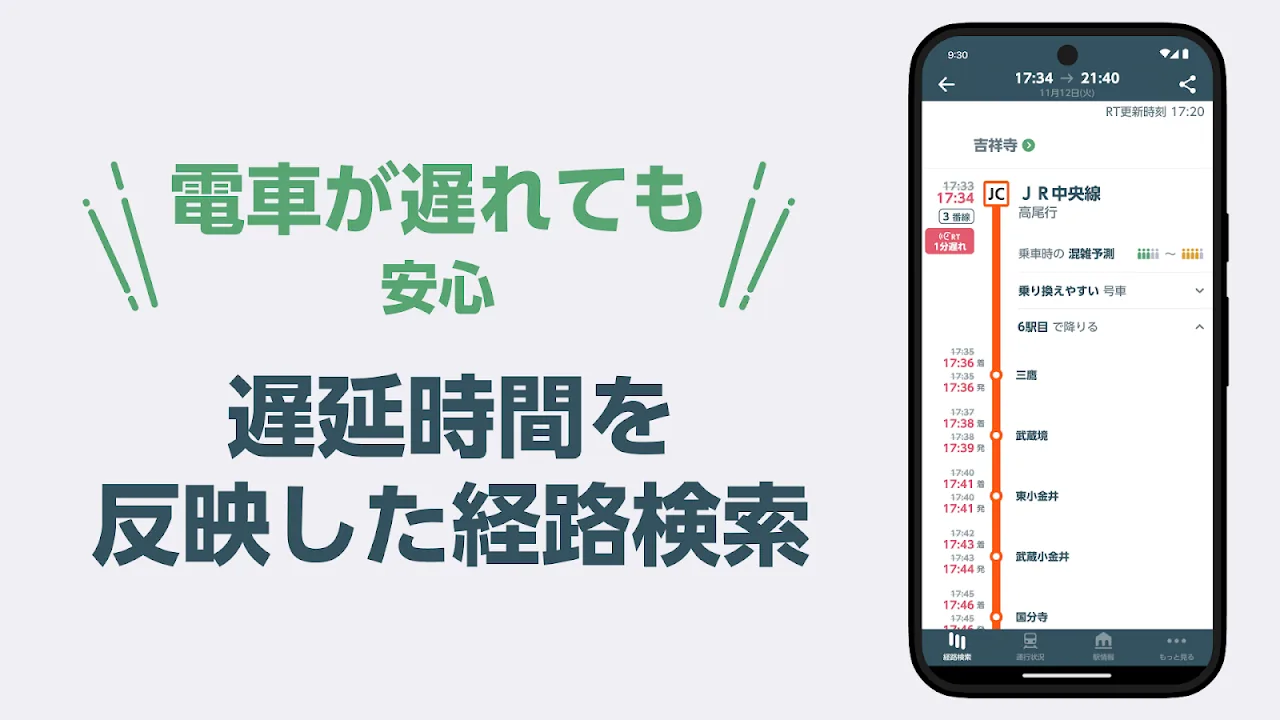
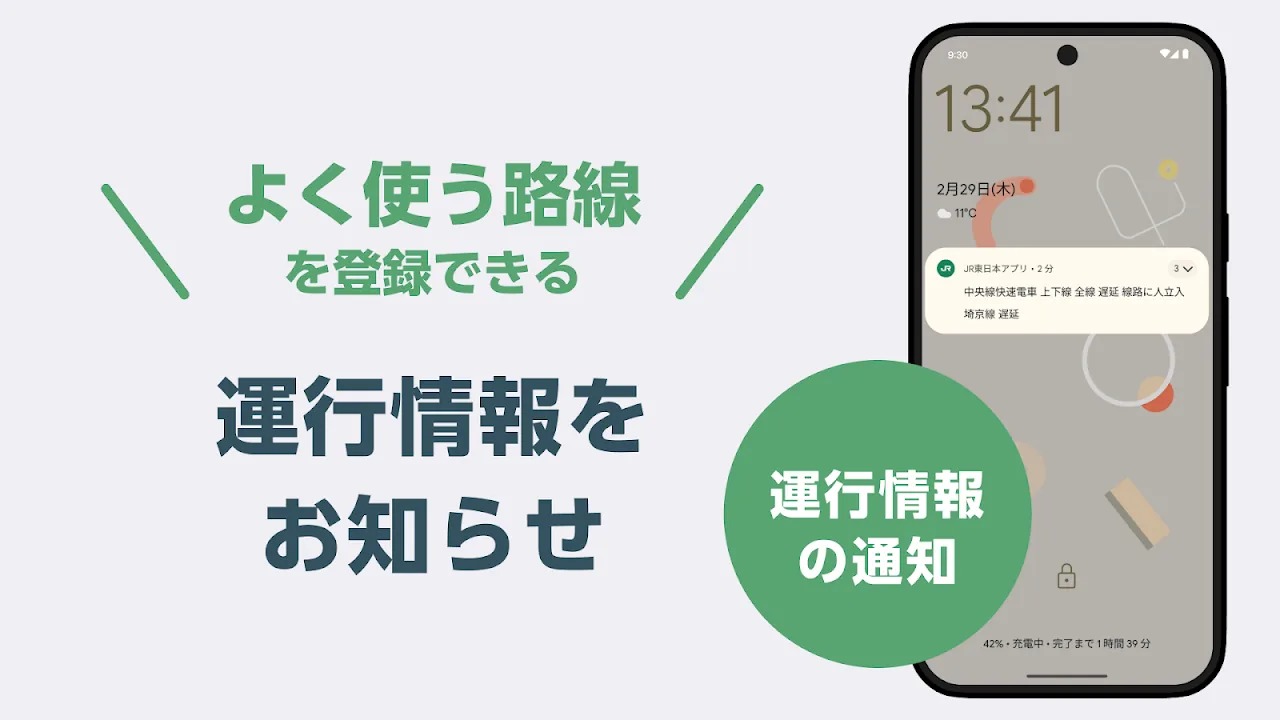
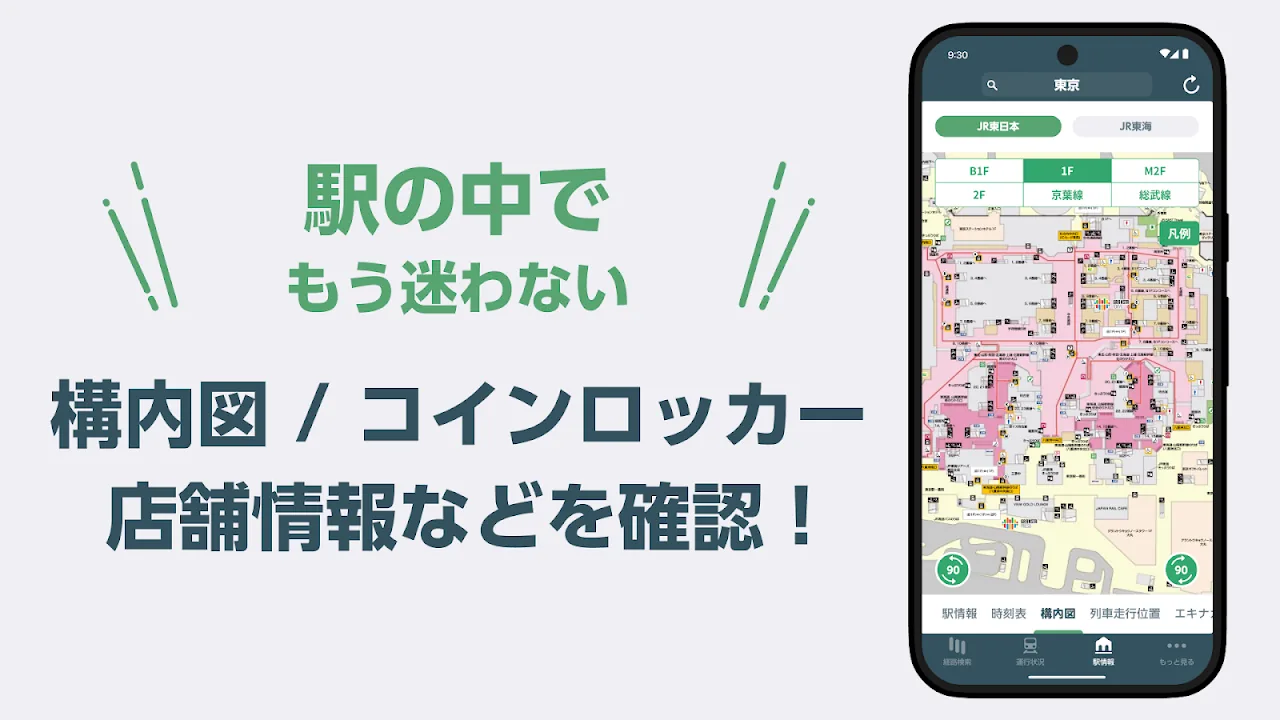
JR EAST App is a Maps & Navigation app from East Japan Railway Company ICT. It is available on Google Play.
Check routes, transit information, and travel options quickly.
Check the official store for the latest features, pricing, supported devices, and regional availability.