

Moneytree
Finance
Advertisement
Before you download
System Compatibility
Moneytree is available for Android devices. It requires Android 10. Check Google Play for supported OS versions and storage requirements.
Permissions
Depending on its features, the app may request access to your camera, location, notifications, or storage. Review each prompt and allow only what you need.
Update Information
Check Google Play for the latest version and release notes for Moneytree. The listing was last updated on 2026-11-14.
FAQ
What is Moneytree?
Simple and easy to use personal finance management app The developer is Moneytree KK.
How do I download Moneytree?
Download it from the official Google Play page (https://play.google.com/store/apps/details?id=jp.moneytree.moneytree&hl=ja). Check device compatibility and regional availability first.
Is Moneytree free to use?
It is free to download. Check the official store for any in-app purchases or paid plans.
What should I check before installing?
Review the supported OS, available storage, permissions, and developer information. The Google Play listing shows 1,000,000+ installs.
Advertisement
Learn more about the app
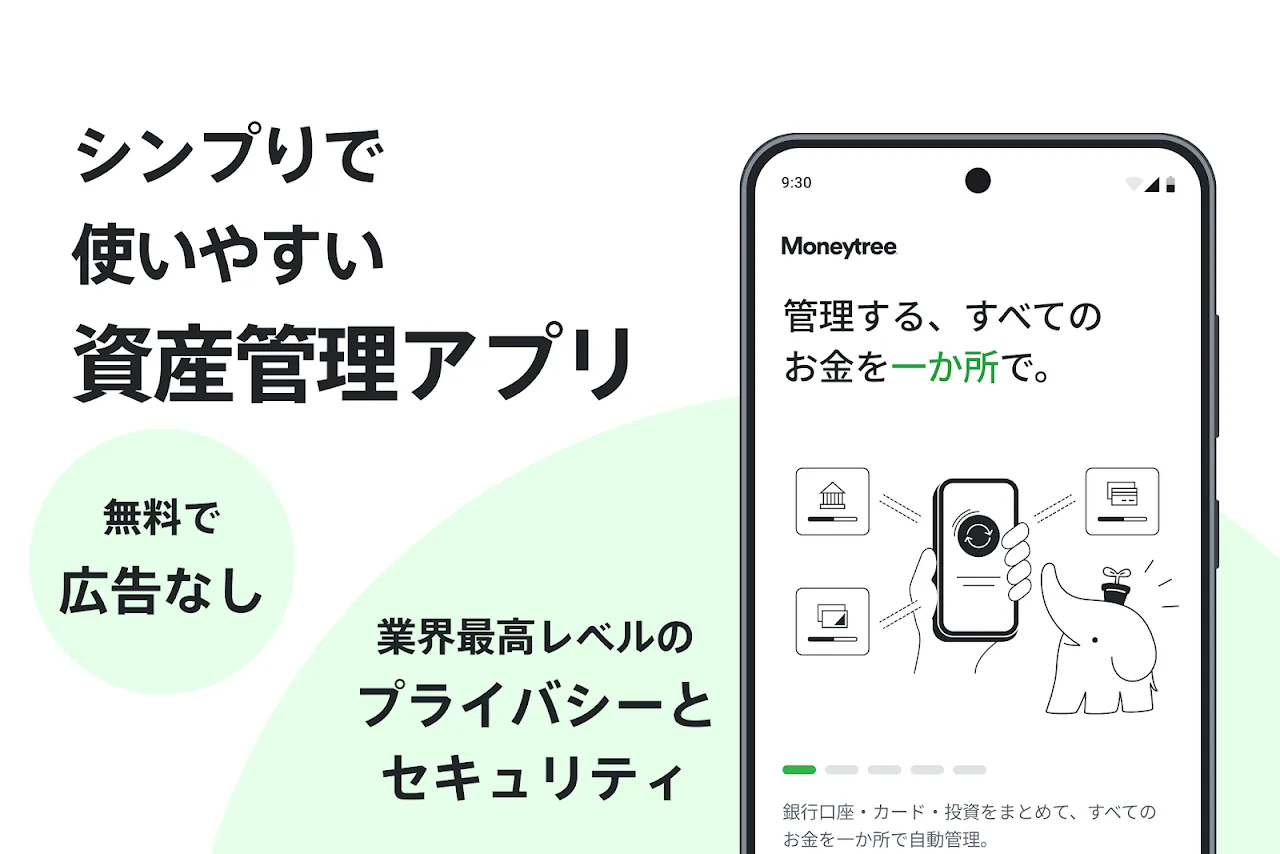
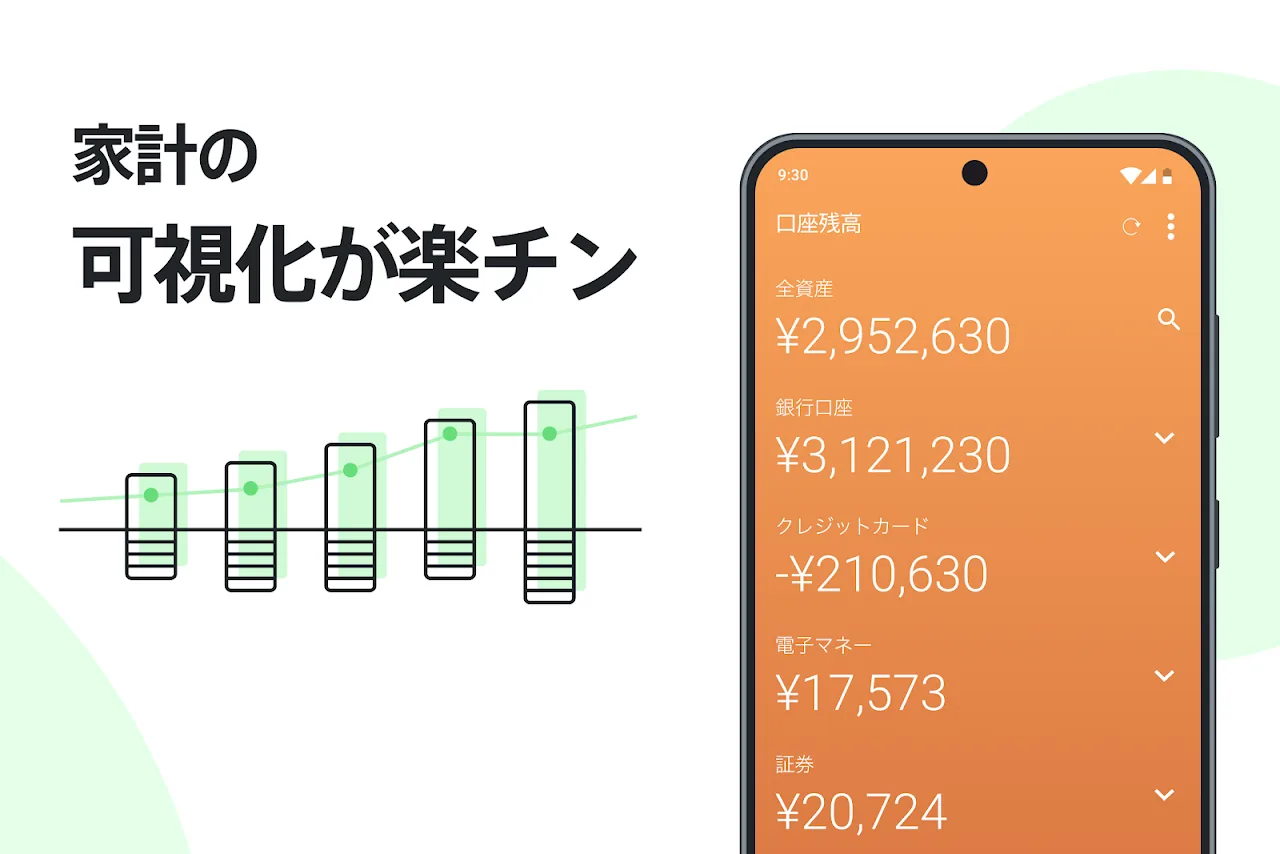
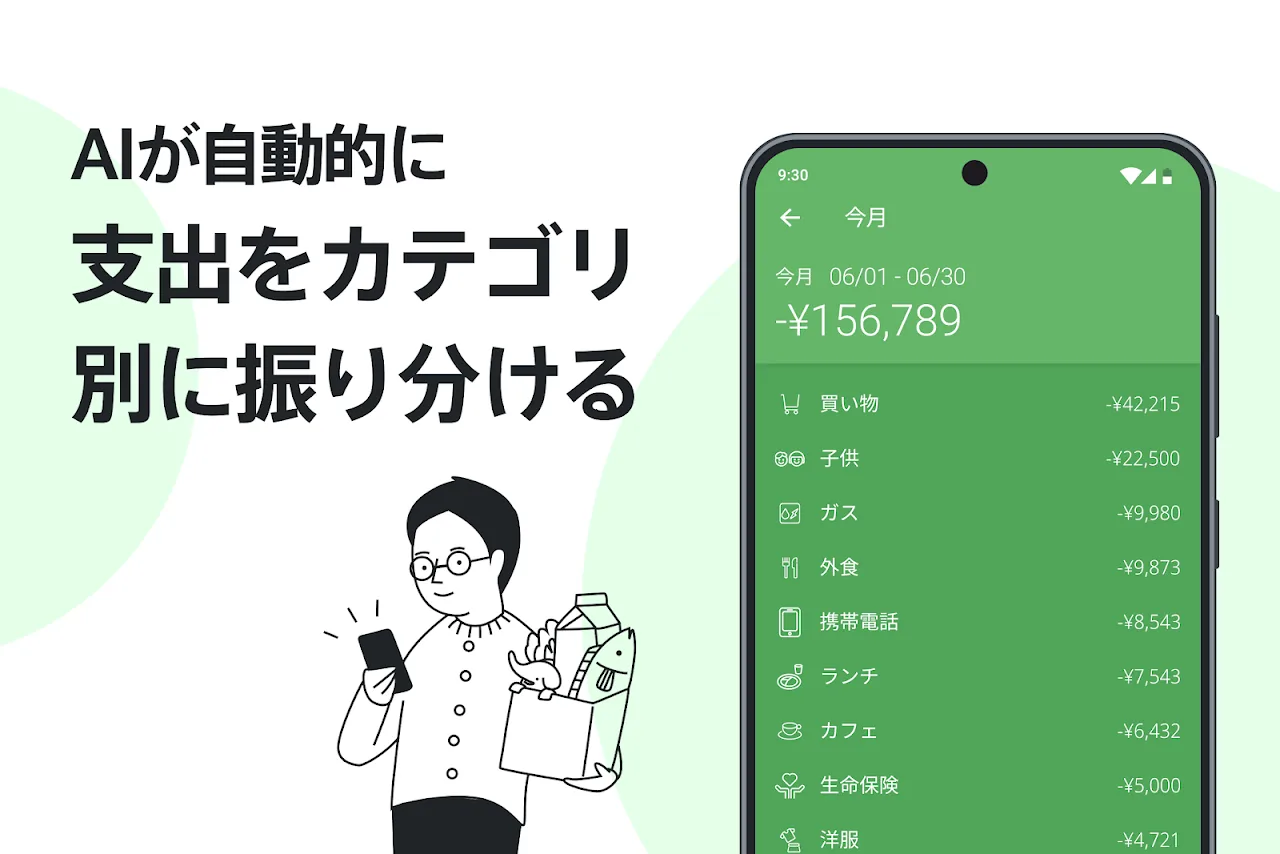
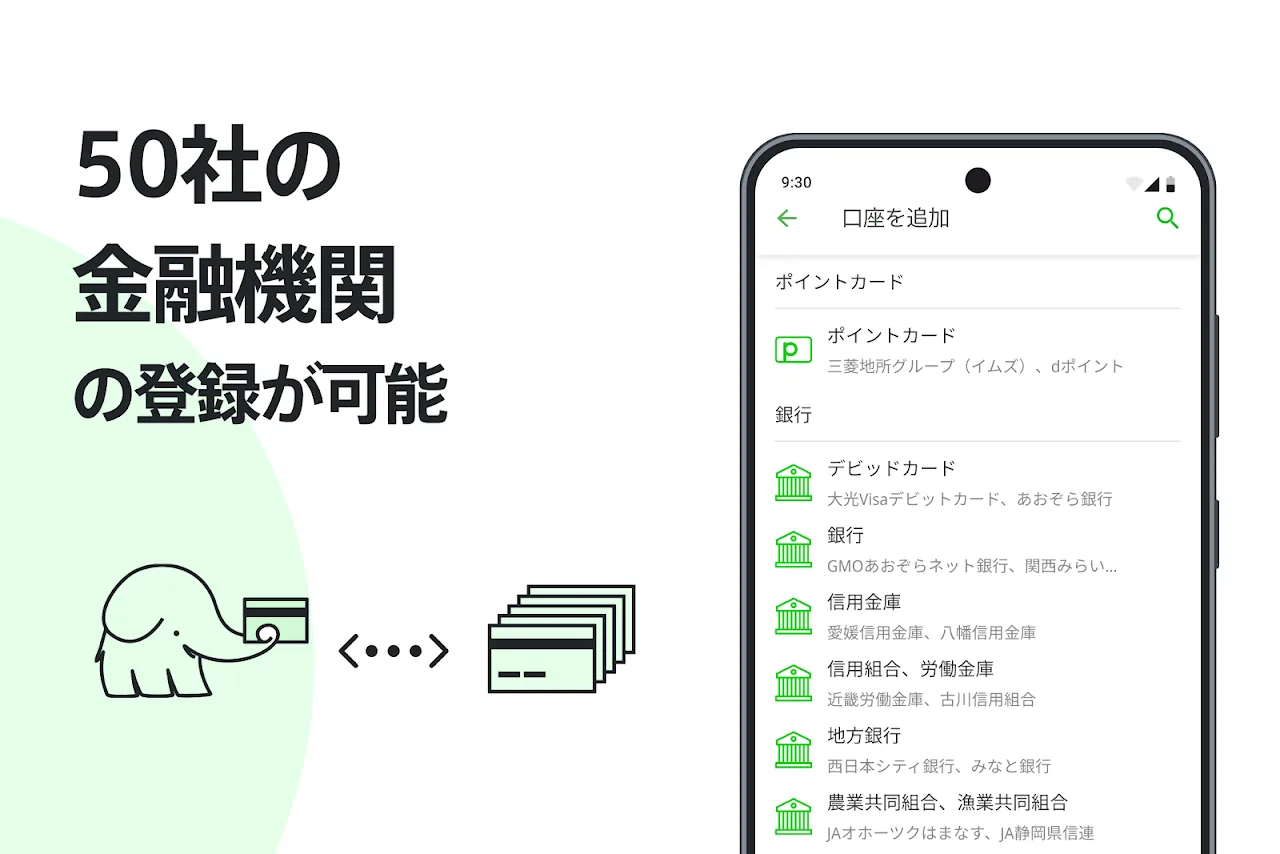
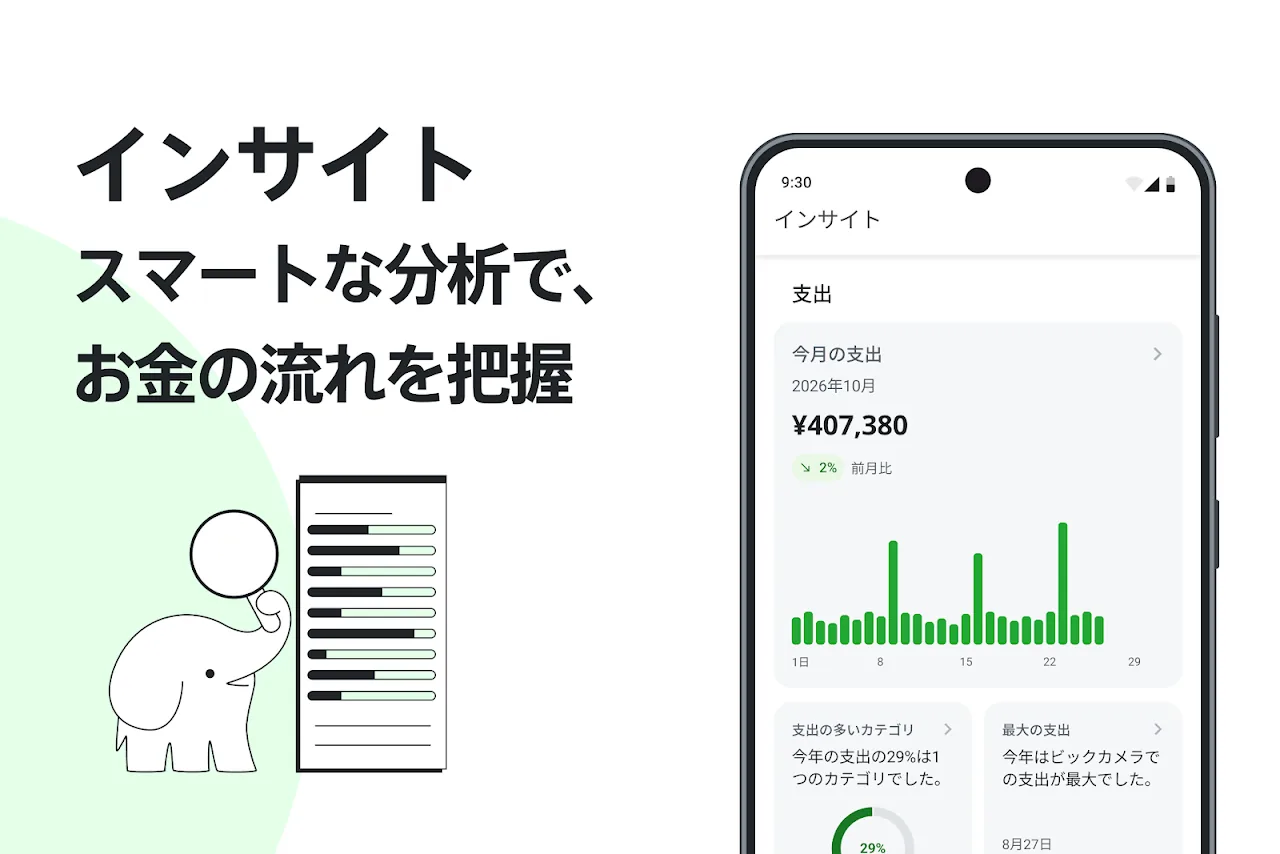
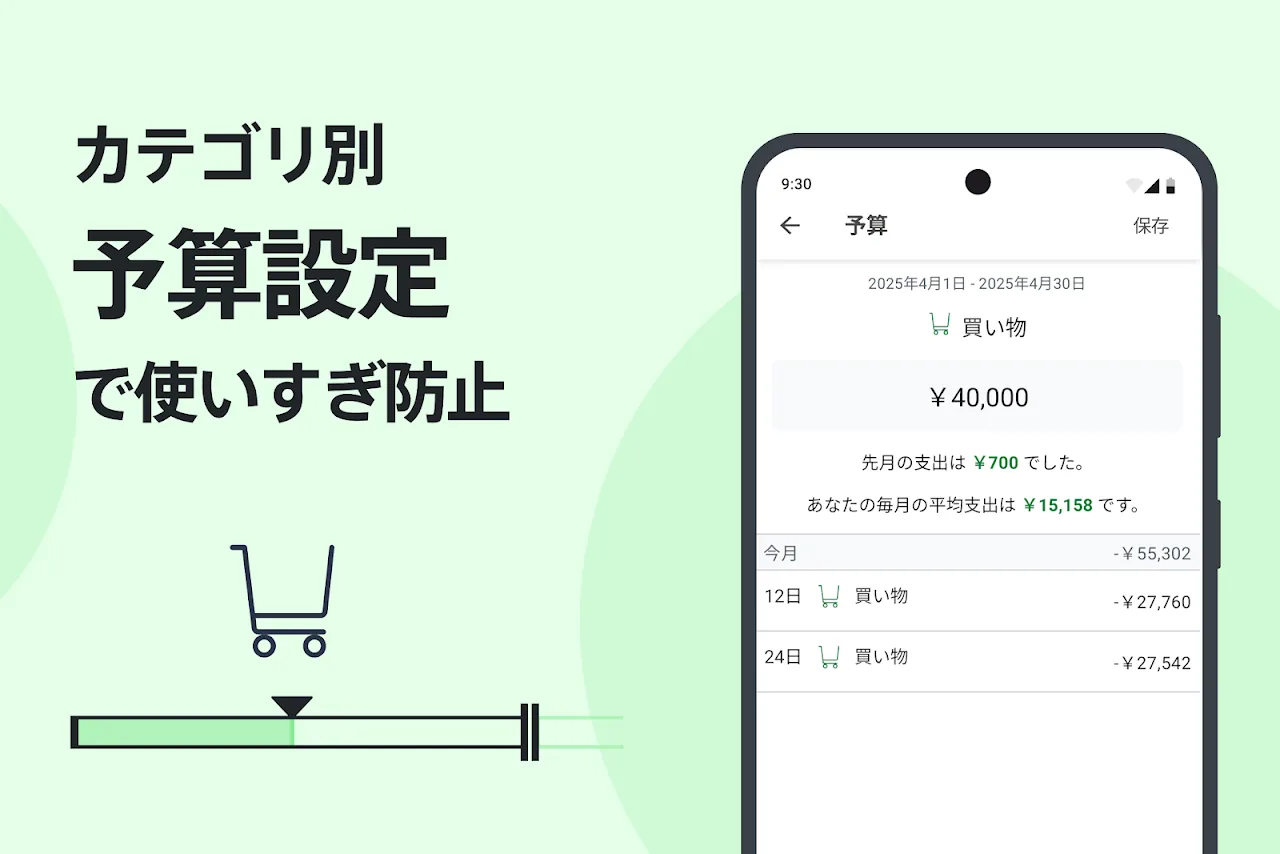
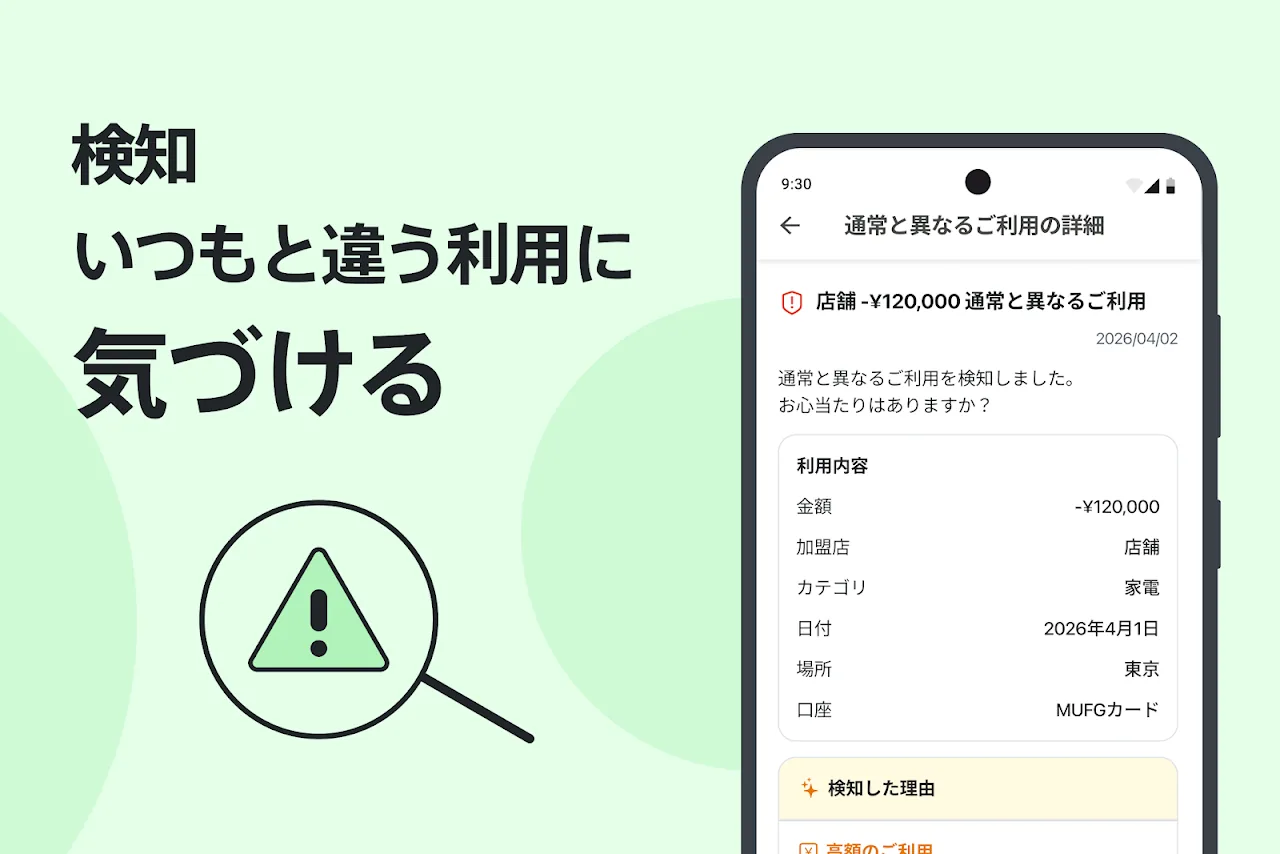
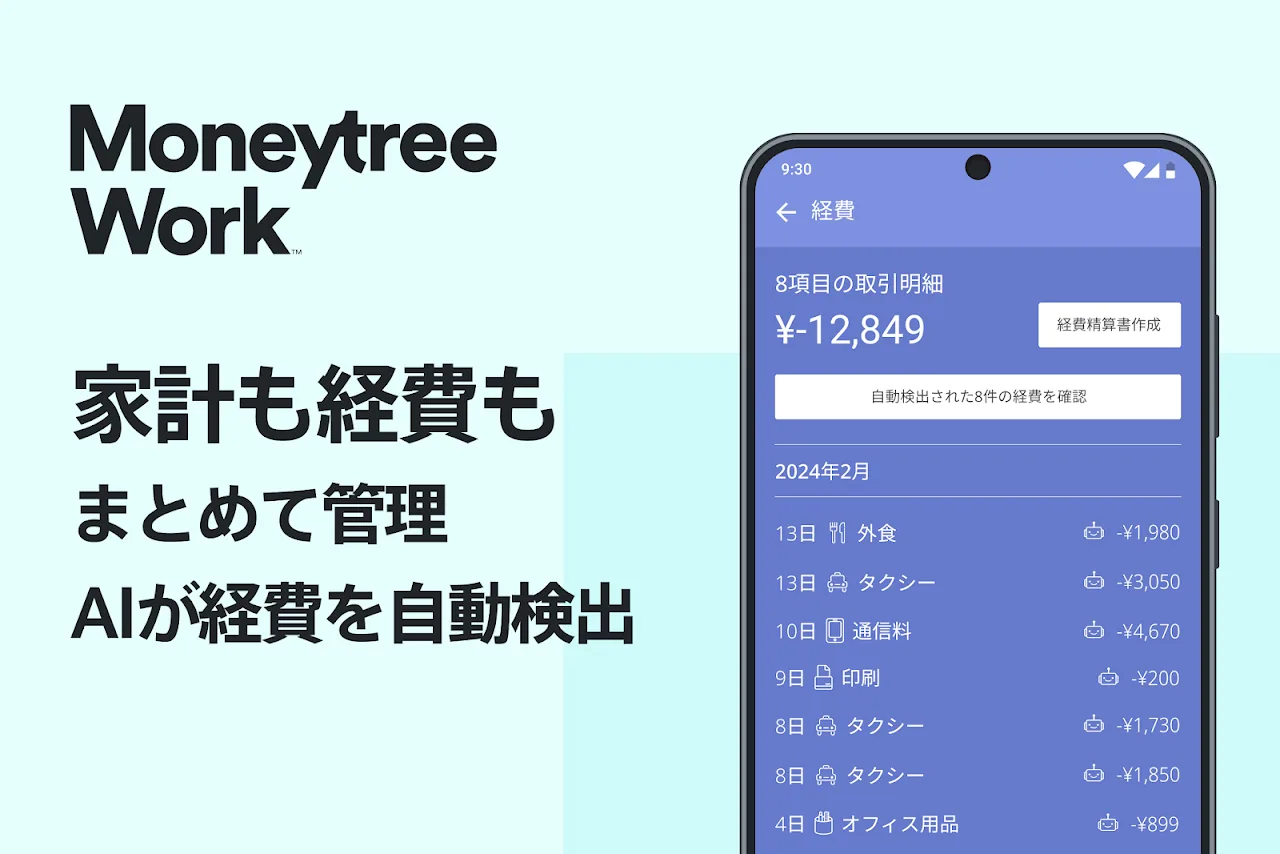
"Moneytree, the mobile app that lets you see all your banking and financial accounts in one place.
◆ DEFRAGMENT YOUR FINANCIAL LIFE
Moneytree brings together everything from your bank accounts, credit cards and digital money to your points, superannuation and cash spending in one place. You’ll get the full picture of your finances in the palm of your hand. No more switching between apps, no need for messy calculations. All our basic features are free to use.
◆ WHY CHOOSE MONEYTREE?
Free to use, no advertising
Connect up to 50 accounts (Over 2,500 Japanese financial services are supported)
Update all your data at once (Some exclusions may apply)
Transactions automatically categorized with AI
Customisable notifications and spending periods
Access your historical data for up to the last 12 months
Automate your daily routine with Siri Shortcuts
Quick and secure access with Password Manager Integration
Manage personal and work expenses within the same app
AI detection for unusual credit card activity
A dashboard with cards and charts organized by topic, such as assets, spending, and cash flow
◆ COMMITTED TO SECURITY AND PRIVACY
At Moneytree ""you own your data"".
Your privacy is our top priority. We’ll never ask for your personal information without a valid and transparent purpose, and we’ll never share any of your data without your express approval.
Security is the cornerstone of trust, and we balance the latest global best practices with world-class user experience.
■ Moneytree Grow (Paid Service)
Budgeting and reporting features will help you gain deeper insights to develop good financial habits and a better plan for your future.
• Budget by Category
• Monthly Report
• Subscriptions Overview
• Background Updates (Some exclusions may apply)
• Data Export (Limited to the previous year)
• Utilities Insights
• Retirement Insights
■ Moneytree Work Expenses (Paid Service)
A simple way to get on top of your expenses and make your taxes quick and painless. With all your transactions in one place, tracking work expenses is a breeze.
• Automatic Expense Detection
• Create Expense Claims
• Receipt Storage
• Receipt Matching
• Background Updates (Some exclusions may apply)
• Data Export
■ Moneytree Corporate (Paid Service)
Get up-to-date transaction data for your corporate account, where and when you need it.
• Corporate Accounts
• Includes all the features of Moneytree Work Expenses
◆ ABOUT PAID SUBSCRIPTIONS
• Payments will be charged to your Apple ID account at confirmation of purchase.
• Subscriptions automatically renew unless auto-renew is turned off at least 24 hours before the end of the current period.
• Your Apple ID account will be charged for renewal within 24 hours of the end of the current period.
• You can manage your subscriptions and turn off auto-renew from your Apple ID account settings after purchase.
• Current subscriptions cannot be canceled while active. If you turn off auto-renew you will have access to your subscribed content until the end of the current period.
• Any fee that you have already paid will not be refunded. In the event of premature cancellation, the full amount of the fee during the contract period shall accrue to you and no refund for the remaining period shall be made.
◆ SUPPORT & FEEDBACK
Please email us at [email protected] or visit our website at https://help.getmoneytree.com/en/
Website: getmoneytree.com
Privacy Policy: https://assets.moneytree.jp/legal/jp/tos-and-pp-ja-nf.html#privacy
Terms of Service: https://assets.moneytree.jp/legal/jp/tos-and-pp-ja-nf.html#terms"